
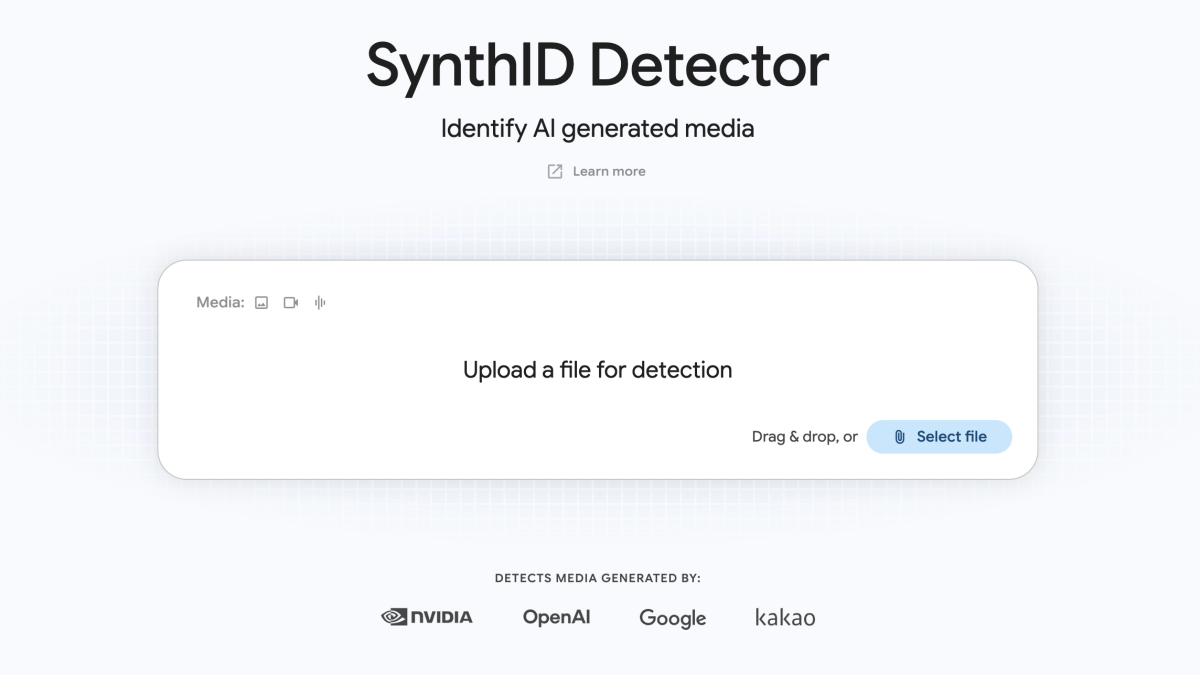
Google is upgrading SynthID with the SynthID Detector tool. In addition, they’re expanding the media that can be detected. Now, it goes beyond Google’s models to include images, videos, and audio files from OpenAI, NVIDIA, and Kakao. Google says it will soon include AI-generated media from Apple, too.
SynthID is a tool from Google that was created to help identify AI images, videos, and audio. Google’s AI models embed a watermark that’s invisible to the human eye within AI-generated images. SynthID can detect these watermarks and inform users that they’re viewing an AI-generated or manipulated media.
According to Google, the company has watermarked more than 180 billion images and videos, as well as 240,000 years’ worth of audio content, since the tool launched in 2023.
Mashable Light Speed
To use the SynthID Detector, simply go to synthid.com and log in using your Google, Apple, or ChatGPT account. Next, upload a media file and let the tool get to work. The SynthID Detector will let you know whether it detects a SynthID watermark and whether it designates the content as AI-generated.
One important thing to note: The SynthID Detector is not an AI detection tool. It detects the watermark that certain AI models embed in AI-generated media. If you upload AI-generated content that does not have the SynthID watermark, the SynthID Detector cannot help you detect whether the media is AI or not.
Topics
Artificial Intelligence
Google
